Projects · Hearth
How I'm building Hearth
Hearth is my own chat, voice and game-streaming app for family and friends: a small Discord that runs on my server at home. It isn't done, and it probably never will be. This is the story so far: how the parts fit together, why the apps went native, how games stream with low latency, and how AI agents write the code while I steer.
- 4apps: web, Linux, Windows and Android
- 21 mslatency on a 1440p60 stream on the home network
- 543commits so far
- 320server versions deployed
- 3,800+automated tests
- 58open tasks, because it's never done
Figures as of October 2026.
Why build your own?
Hearth is for a small circle: the family, friends, a gaming group. It has text channels, voice channels and game streaming, like Discord, but it runs on my own server. No tracking, no ads and no cloud accounts. It isn't a product, and nobody sells it.
Before the first line of code I wrote down the principles, and they still settle most decisions:
- It runs at home on an ordinary home server with Docker.
- Private by default: no fonts, scripts or embeds fetched from anyone else.
- Built for gaming: low latency on voice and streams, and keys that work while the game has focus.
- A real app for every operating system, and the web app for everything else.
- Simple to run: one process and one database file. Every integration can be switched off.
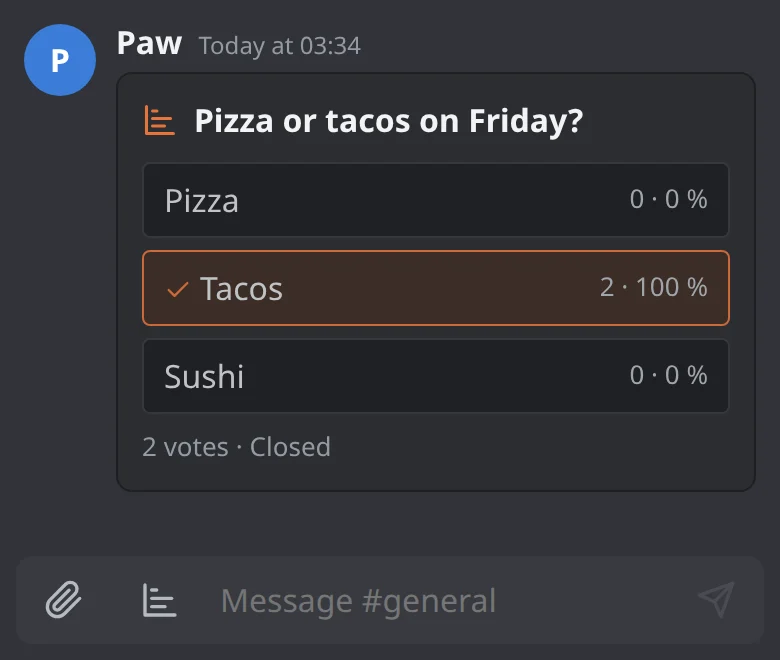
Today Hearth has, among other things: replies, reactions, edits, @mentions, pinned messages, polls, reminders and full-text search. Pictures lose their metadata on the server. Voice channels have noise suppression, push-to-talk and per-person volume, and you can watch up to four streams at once. You can only get in with an invite, with no email or phone number, and push notifications are sent with the server's own key, without Firebase. Ember is a chat bot that answers when someone mentions it, using a language model on my own hardware and never in the cloud.
How it grew
The hardest part was built first: Hearth could stream a game at 1440p60, send text messages and carry voice calls before there was much else. It grew in this order:
- The principles and the architecture. Game streaming at 1440p60 with a single encode on the graphics card, text chat, voice channels over WebRTC and "Go live" in the app.
- Push notifications with the server's own key, its own build machine and automatic deployment to the home server.
- Native apps, which became the default on Linux, Windows and Android.
- The plan for installing and updating the Windows app straight from the home server.
- The builder channel, where users can ask for changes.
- Now: 58 open tasks. More on those further down.
How the parts fit together
In the middle sits the hub: one ASP.NET Core server on .NET 10 that keeps everything in one SQLite file and talks to the apps over SignalR. It also serves the web app, which is Blazor WebAssembly, and the files for installing the apps. Voice and streams, on the other hand, don't go through the server.
messages, channels, and who's calling whom
- WebBlazor WebAssembly
- LinuxGTK 4 in C#
- WindowsWinUI 3
- AndroidKotlin and Compose
voice and streams go over WebRTC straight between the people taking part
- Voice: everyone sends to everyone over WebRTC with Opus at 96 kbit/s, up to 12 people in a channel. The desktop apps have their own voice engine in GStreamer with echo cancellation, noise suppression and a jitter buffer that smooths out the network's bumps.
- Streams: the game is encoded once on the streamer's PC and sent to each viewer over its own WebRTC connection. There's no media server in the middle, and connections out of the house can go through a TURN server when they can't reach each other directly.
- Shared code: the logic behind the desktop apps and the web app lives in one shared C# library, and the Android app has the same logic in Kotlin.
From web view to native apps
The first apps were the web app wrapped in a window. That was fine on a computer, but not on a phone: Chrome closes the microphone five seconds after the screen goes off, and the call stops mid-conversation.
The fix was measured before it was chosen. A thin Kotlin app with a background service for the call kept voice going with the screen off, in the background and in power-saving mode, for seven minutes on Android 16 and 17. It showed its first frame after 201 milliseconds against 383 for the web app in Chrome, and was a 0.42 MB download against 18.2 MB for an empty .NET MAUI app.
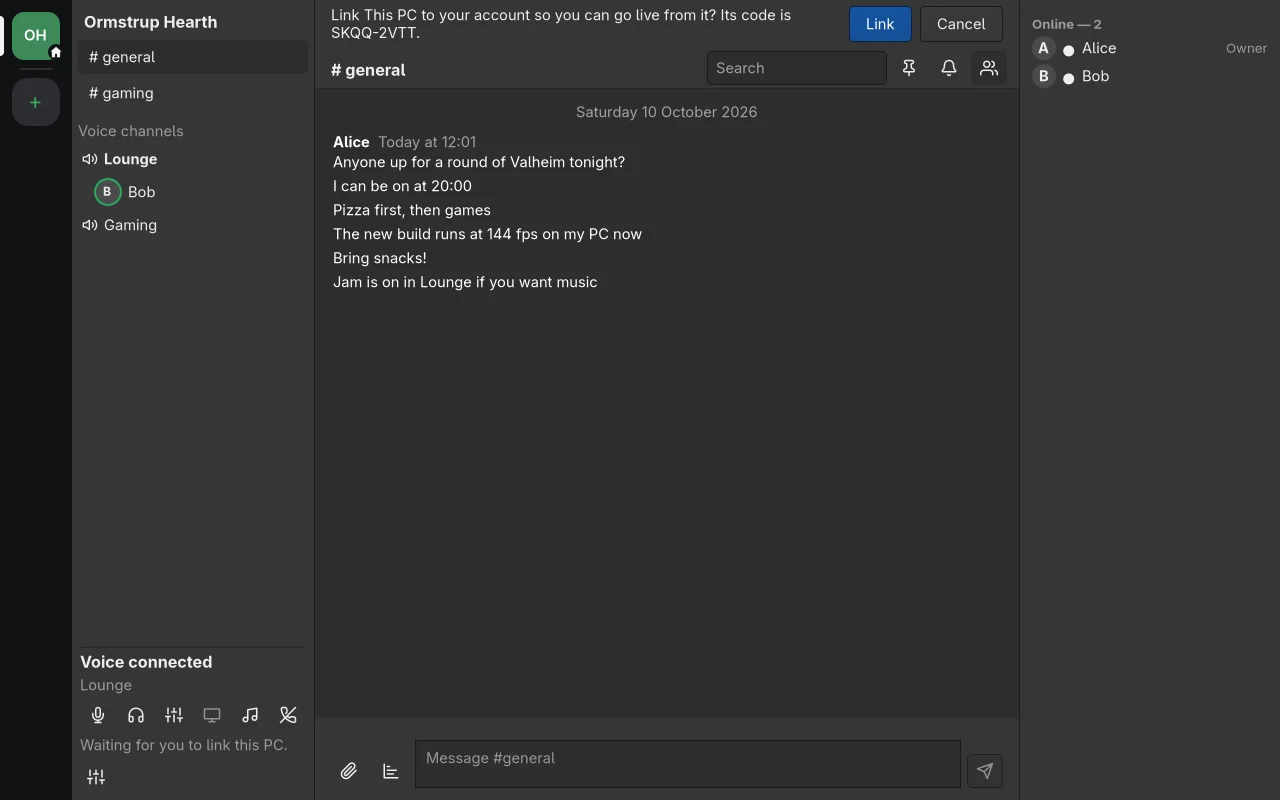
Then I decided to go all the way: GTK 4 on Linux and WinUI 3 on Windows, on top of the shared C# library, and Kotlin with Jetpack Compose on Android. The screens were swapped one at a time behind a setting, until the native apps became the default on all three. The web app is still there for everyone else.
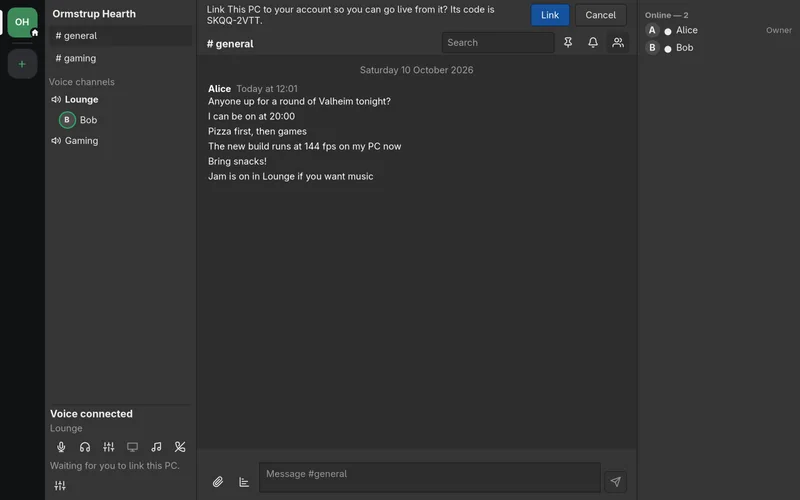
The Linux app in GTK 4, with demo data from the tests.Screenshot 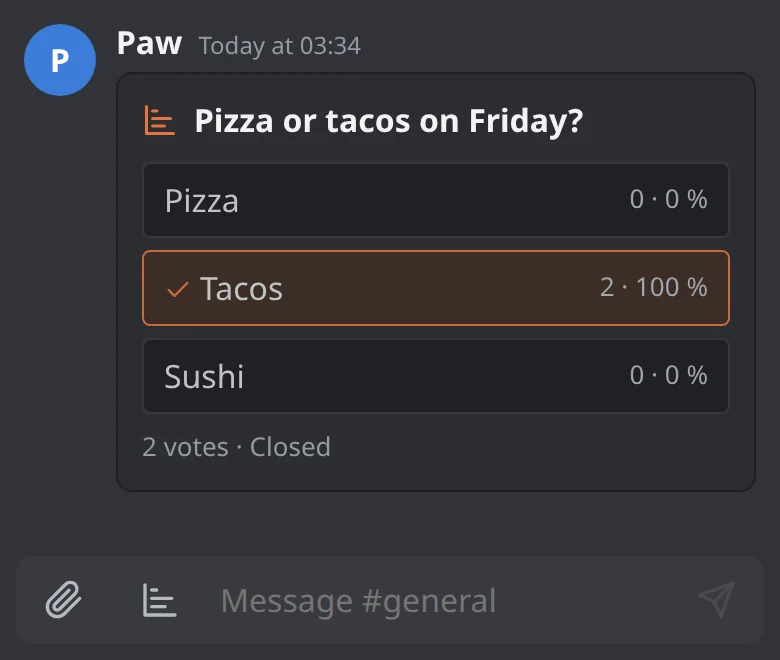
A poll in the web app on a phone.Screenshot
Game streaming with low latency
The desktop app captures the game and encodes it on the graphics card once per quality: 1440p60 at 30 Mbit/s for viewers at home and 720p30 at 4 Mbit/s for viewers over the internet. It works with NVIDIA, AMD and Intel graphics cards and can fall back to the CPU. On Linux the screen is captured through PipeWire, and on Windows the frames stay on the graphics card all the way. The game's own sound comes along.
Latency is measured, not guessed: every frame gets a barcode that the viewer reads back. With NVENC over the home network at 1440p60, latency is 21 milliseconds half the time and under 30 milliseconds 95 percent of the time.
Along the way, problems turned up that only measuring could find. A keyframe arrived as one big burst, the viewer's decoder fell behind and asked for a new keyframe, and that forced a new one for every viewer. The stream dropped about 25 frames every 15 seconds, until a smaller buffer and merging the requests took it to zero. And an AMD graphics card on a quiet desktop slept between frames and took 11.6 milliseconds to encode a frame against 4.8 when awake. During a real game the card is awake, so it mostly shows in the tests.
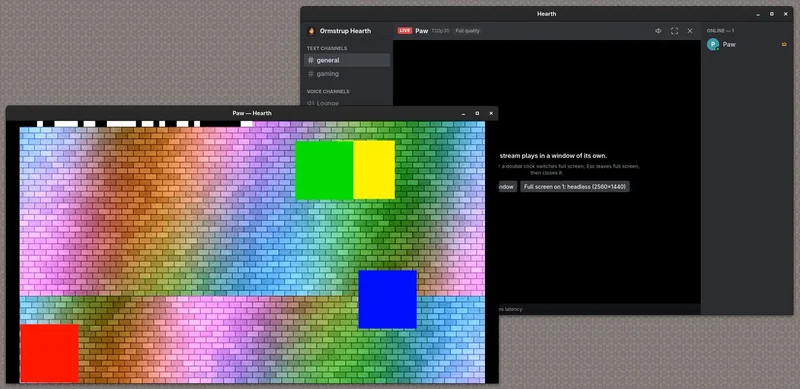
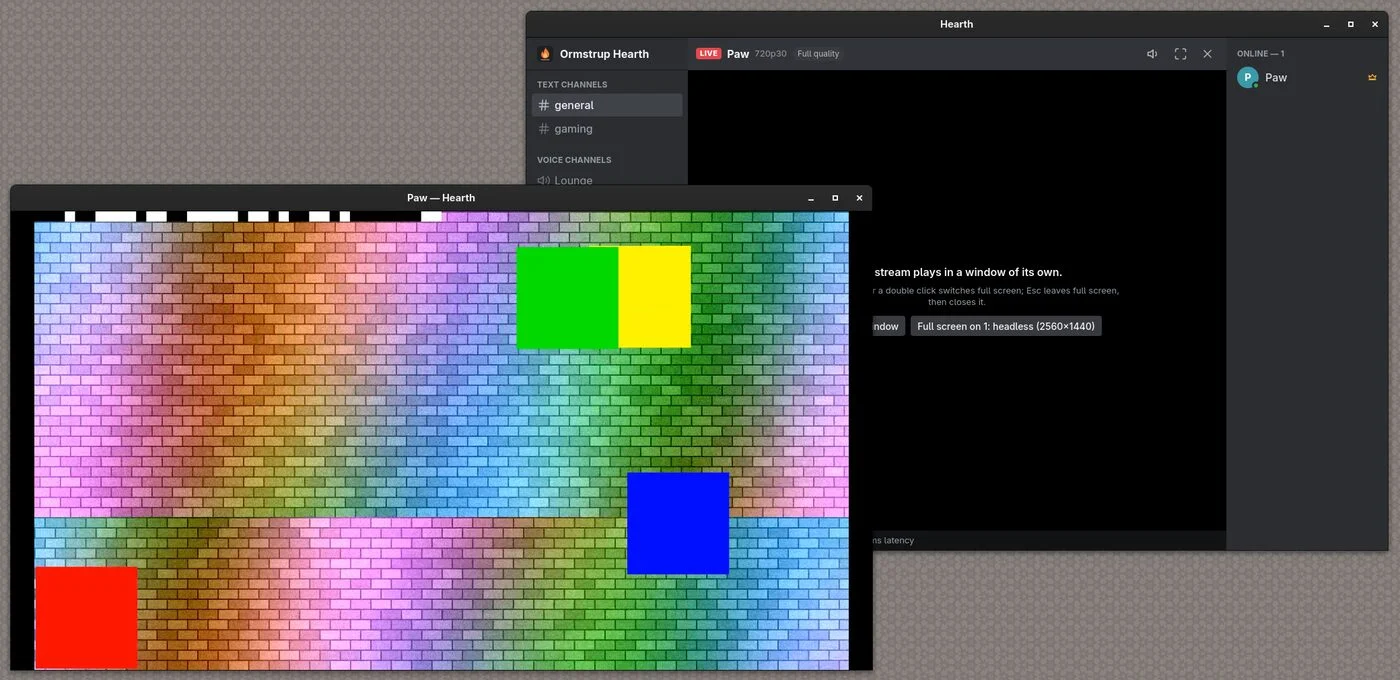
A stream in its own window from the desktop app. The test picture with the coloured squares is the one the automated tests use.Screenshot 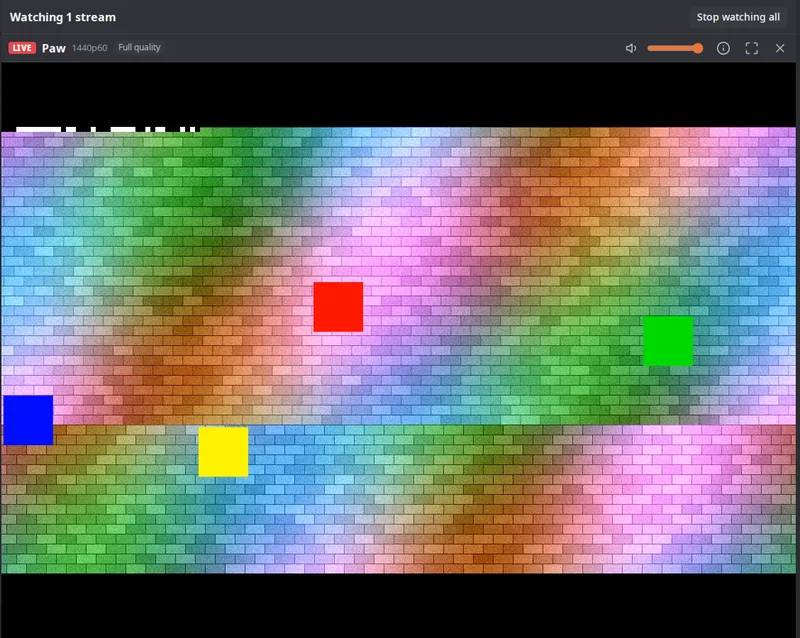
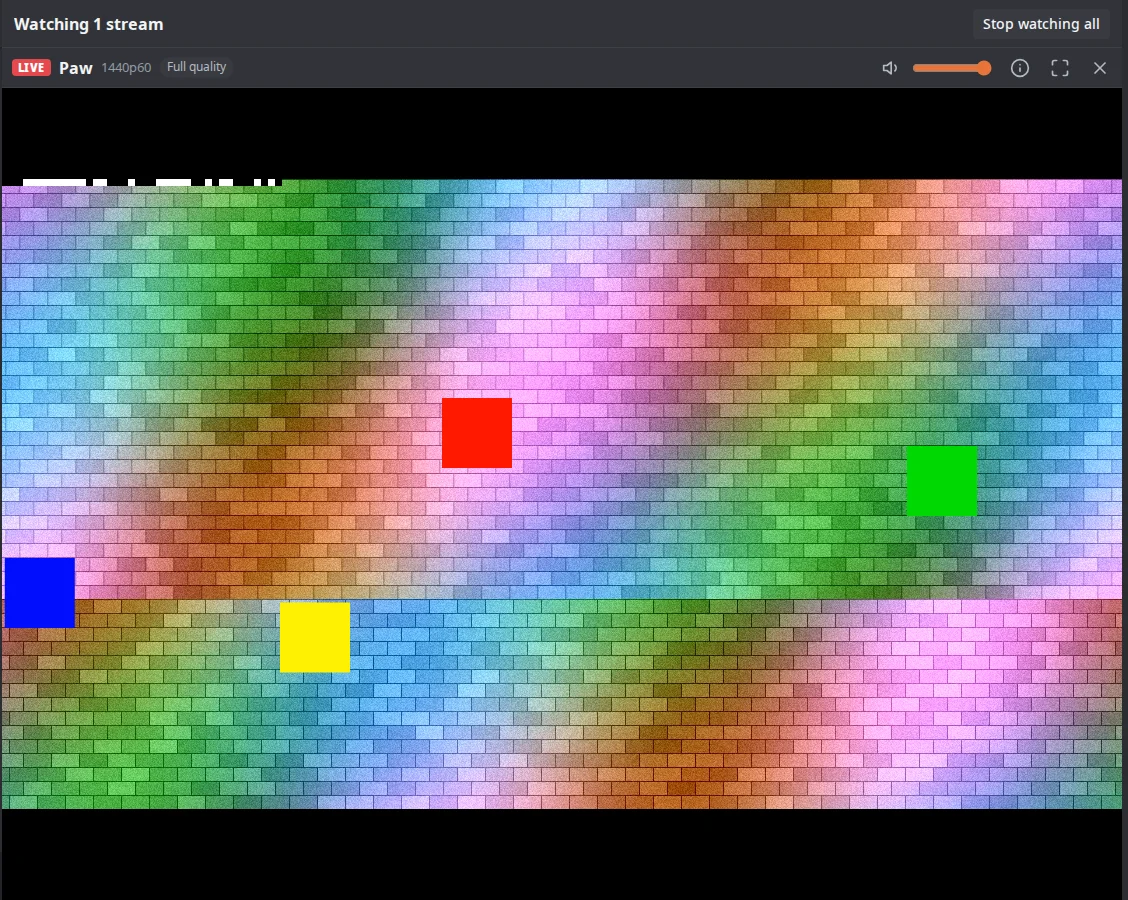
The same kind of stream in the web app, at 1440p60 and full quality.Screenshot
AI agents write the code, I steer
541 of the 543 commits were written together with Claude, and the other two were made by a bot. My job is to decide what gets built, write the principles, review the changes and say yes or no.
- One organiser and several agents: one Claude session sorts the tasks, starts agents and reviews their work. Each agent works in its own copy of the code and opens a pull request, but no agent merges its own work.
- Four at most at a time: more agents than that, and the frame-rate and voice tests fail because the machine gets too busy.
- No conflicts in the changelog: each pull request writes its own small file, so parallel changes don't collide.
- Review on everything: every pull request has to pass an automated review before it can be merged, and a local language model gives a second opinion.
The builder channel
Users can post a wish in a builder channel in Hearth. The bot Agent Smith, running on a local language model, writes a plan, and a builder service has Claude Code make the change in a closed sandbox and open a pull request. It can't touch operations or security, and only I can approve the change. Two changes have already shipped that way.
Running it at home
Every merge builds a new image on my own build machine and sends it to the home server. A snapshot is taken before the switch, the server is checked to answer afterwards, and the five latest versions are kept, so a bad version can be rolled back in a moment. 320 versions have gone out that way so far.
The apps update themselves: the Windows app fetches small delta updates from the home server, the Linux app comes from a signed package repository, and the Android app from the hub or from a closed test track on Google Play. The web app reloads after a new version, but never in the middle of a call. Logs and metrics go through OpenTelemetry to Grafana, and every device can switch that off.
Is software ever done?
No. As long as someone uses Hearth, there are new wishes, new bugs and new versions of Android and Windows. Right now there are 58 open tasks, among them:
- Built, but switched off: direct messages, private channels, chat in voice channels, a calendar and a channel for household chores. They get switched on when every app can do them.
- The builder channel has to be switched on for every user.
- Windows: code signing, so installing doesn't show a warning, and smoother frames.
- Streaming: sturdier screen capture, and AV1 is the next codec.
- Tests that fail now and then for no good reason.
So the most important thing isn't getting done, but making the next change safe and cheap: tests that catch the bugs, automatic deployment, and being able to roll back in a moment.
Want to build something similar?
This is what has worked for me:
- Write the principles down first. Then a hundred small decisions are made in advance, for you and for your AI agents.
- Measure before you choose. The Android app was chosen on numbers, not gut feeling.
- Keep operations simple. One process, one database file and one container are easy to back up and move.
- Let sound and video go direct. For a small circle, WebRTC between the people taking part is enough, and there's no media server to run.
- Make deployment boring. A snapshot, a health check and one click to roll back.
- Give AI agents boundaries. Their own copy of the code, pull requests, review, and a human who merges.
- Switch half-finished features off. Then they can live in the main branch and be tested without users seeing them.
Want to see Hearth?
Hearth is invite-only. Get in touch if you'd like an invite, or if you'd like help building something similar.